Previously I wrote a blog post about how to interpolate a bezier curve. A bezier curve helps us to create smooth lines, surfaces, type faces. A bezier surface is set of bezier curves that is used for imaging a part of something. Before rendering a bezier surface, I will mention about how to render something with Python programming language. I will demonstrate it by rendering a set of cubes, then I will create marbles that made of cubes. A marble will stay at position of an interpolated point of a bezier curve. I will create an optimized cube for making the drawing process easier.
def create_cube(x, y, z, rotate_horizontal, rotate_vertical):
  if rotate_vertical > 0 and rotate_vertical < 90 and rotate_horizontal < 90 and rotate_horizontal > 0:
    return [
      [
        20, # this is in percent
        [x+1, y, z],
        [x+1, y, z+1],
        [x+1, y-1, z+1],
        [x+1, y-1, z]
      ],
      [
        5,
        [x, y, z],
        [x+1, y, z],
        [x+1, y, z+1],
        [x, y, z+1]
      ],
      [
        30,
        [x, y, z+1],
        [x+1, y, z+1],
        [x+1, y-1, z+1],
        [x, y-1, z+1]
      ]
    ]
The function returns diamond shapes. Set of diamond shapes, ordered in correct way, will be painted to an image file in Python or to a canvas on a browser. Vertically minus degrees are facing upwards. The visible faces must be set in correct order. It is possible to do that by ordering faces by their average z-index, but I prefer not to complicate that process further. Z-sort will be used for sorting the cubes.
import math

def rotate(x, y, deg):
  cos = math.cos(math.radians(deg))
  sin = math.sin(math.radians(deg))
  return [cos * x - sin * y, cos * y + sin * x]

def rotate_xyz(x, y, z, rh, rv):
  xn, zn = rotate(x, z, rh)
  yn, zn = rotate(y, zn, rv)
  return [xn, yn, zn]
A point in three-d should be rotated first. The values x-y will be the position on canvas. On canvas, the when the y is getting higher, it means it is being drawn to the end of canvas in vertical. So the height should be inreversed. I also scale them with a multipier in order to see the cube's borders. At the end, the scale may be minimized as less as possible. So the cubes won't be visible in result.
def darken(r, g, b, percent):
  rblacks = int(r * (percent/100))
  gblacks = int(g * (percent/100))
  bblacks = int(b * (percent/100))
  return (r - rblacks, g - gblacks, b - bblacks)
A darken function like above will be needed in order to make a cube's faces visually differentiable.
from render import render

render(
  "render-1",
  [
    [0, 0, 0, 255, 255, 255]
  ],
  4,
  4,
  1024,
  40,
  20,
)
I am using Python's PIL library for drawing in two-d. The render will be looking like below when we run it.
from create_cube import create_cube
from darken import darken
from rotate import rotate_xyz

from PIL import Image, ImageDraw

def render(name, cubes, width, height, unit_scale, rotate_horizontal, rotate_vertical, save=True):
  width *= unit_scale
  height *= unit_scale
  image = Image.new("RGB", (width, height), (255, 255, 255))
  draw = ImageDraw.Draw(image)
  for x, y, z, r, g, b in cubes:
    cube = create_cube(x, y, z, rotate_horizontal, rotate_vertical)
    for darken_percent, *diamond in cube:
      points = []
      for xx, yy, zz in diamond:
        xn, yn, zn = rotate_xyz(
          xx * unit_scale,
          yy * unit_scale,
          zz * unit_scale,
          rotate_horizontal,
          rotate_vertical
        )
        x = width/2 + xn
        y = height/2 + (yn * -1)
        points.append((x, y))
      draw.polygon(points, darken(r, g, b, darken_percent))
  if save:
    image.save(open("{}.png".format(name), "wb"), "PNG")
  return image
The unit of width and height will be cubes.
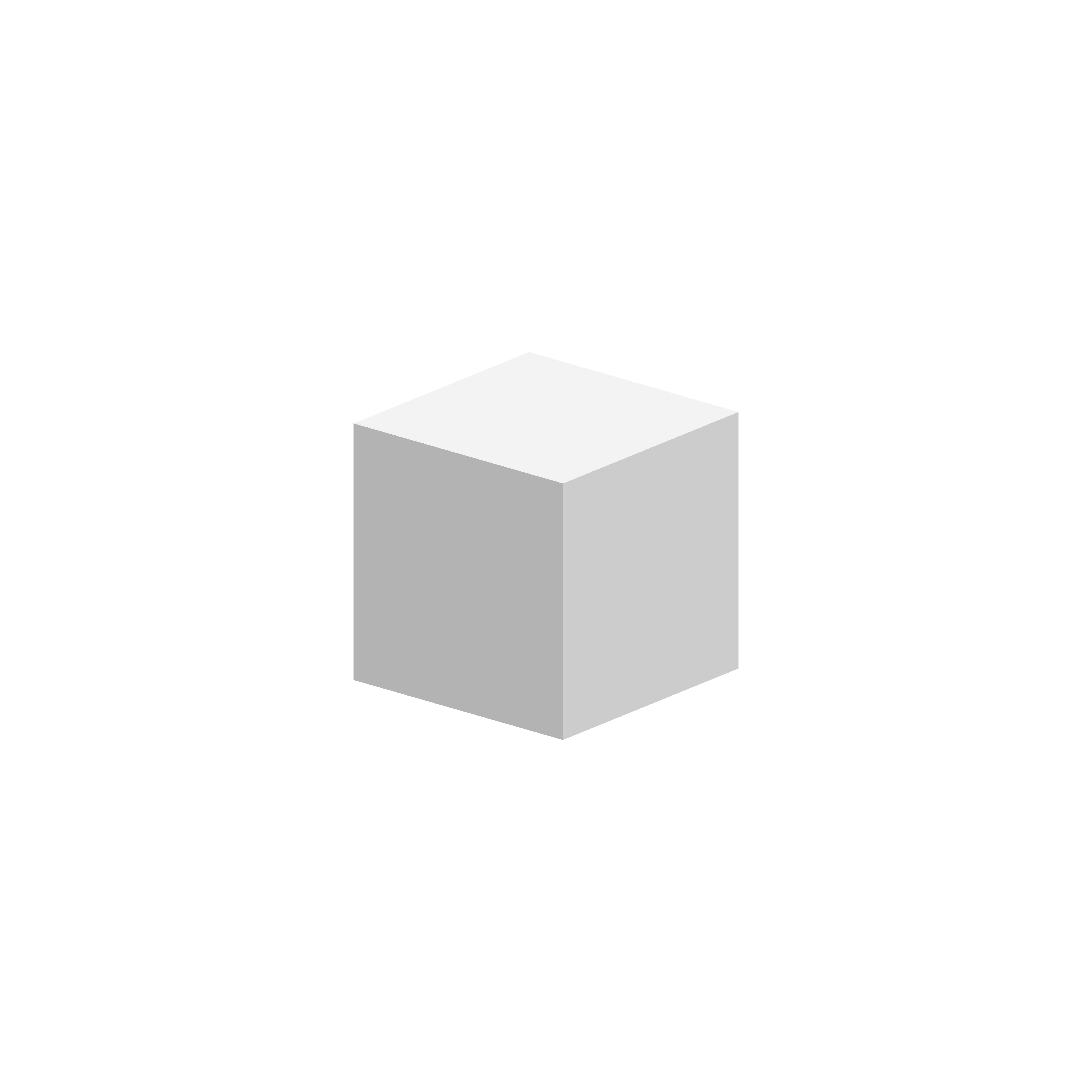
Unit scale is too much for demonstration purpose.
def create_ball(r, origin_x=0, origin_y=0, origin_z=0):
  ball = []
  for x in range(-r, r):
    for y in range(-r, r):
      for z in range(-r, r):
        if x**2 + y**2 + z**2 < r**2:
          ball.append([origin_x + x, origin_y + y, origin_z + z])
  return ball
It is easy to create a ball when we think a ball's radius is it's distance to the origin in a three-d space. The ball will be created in that way, starting at 0, 0, 0 origin.
from render import render
from ball import create_ball

cubes = []

for x, y, z in create_ball(128):
 cubes.append([x, y, z, 255, 255, 255])

def zsort(cube):
  x, y, z, r, g, b = cube
  return (y, z, x)

cubes.sort(key=zsort)

render(
  "render-2-1",
  cubes,
  1024,
  1024,
  4,
  40,
  20,
)
The result will be this.
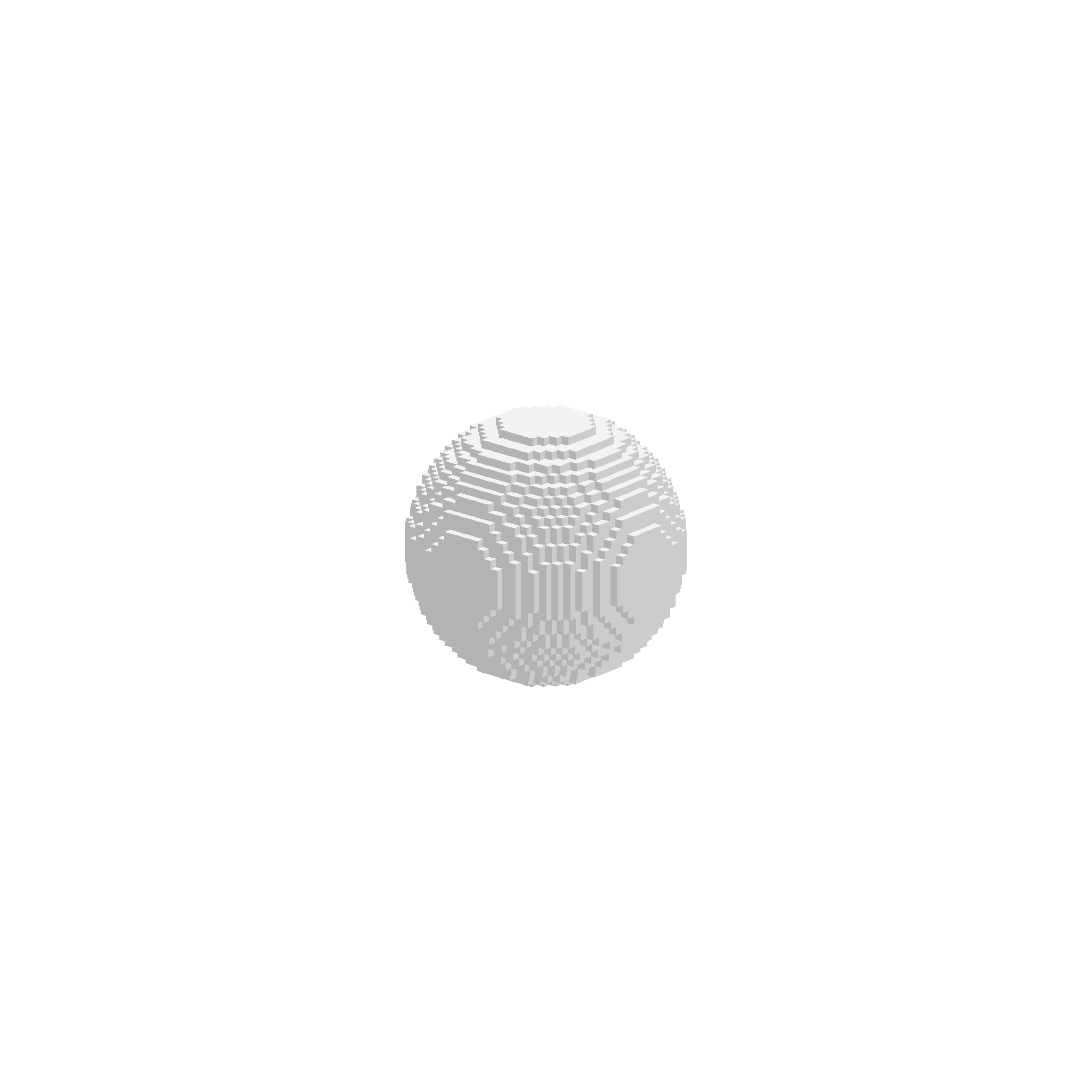
Cubes are sorted in their painting order. They are used for painting the faces of a bezier surface. A bezier surface is made of four bezier curves.
from render import render
from ball import create_ball
from bezier import bezier

cubes = []

curve = [
  [-60, 0, -80],
  [0, 0, -80],
  [0, 0, 60],
  [60, 0, 60],
]

balls = 200
for i in range(0, balls):
  px, py, pz = bezier(i/balls, curve[0], curve[1], curve[2], curve[3])
  for x, y, z in create_ball(10):
    cubes.append([px + x, py + y, pz + z, 255, 255, 255])

def zsort(cube):
  x, y, z, r, g, b = cube
  return (y, z, x)

cubes.sort(key=zsort)

render(
  "render-3",
  cubes,
  512,
  512,
  4,
  40,
  20,
)
Cubes are sorted in their painting order. They are used for painting the faces of a bezier surface.
Each interpolated point in four bezier curves, will be used for creating another curve. So in that way it will be possible shape a solid surface. A surface in this example has four curves and two properties, wide and fall. Wide is the one is longing, and fall is a curve that created by longing interpolated points.
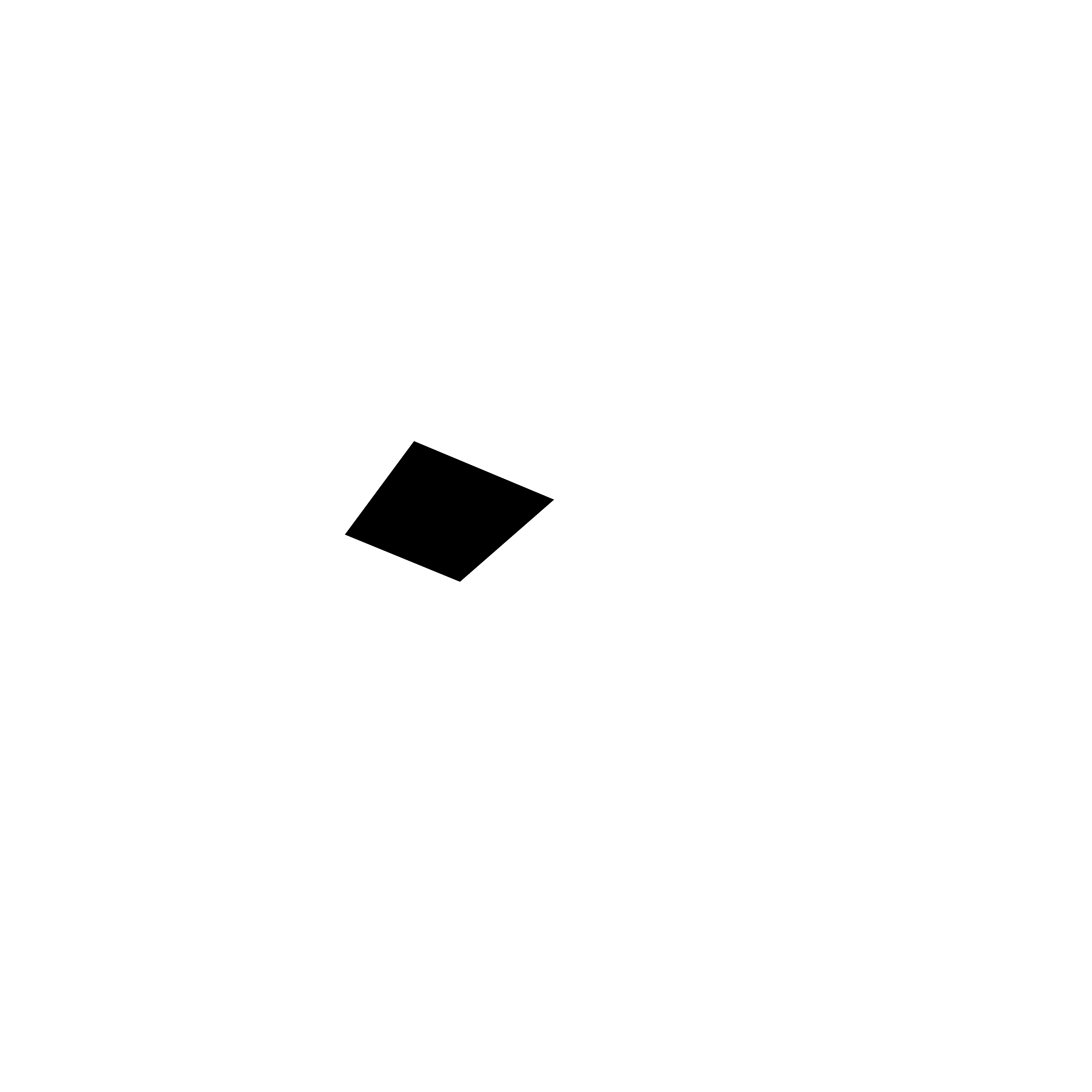

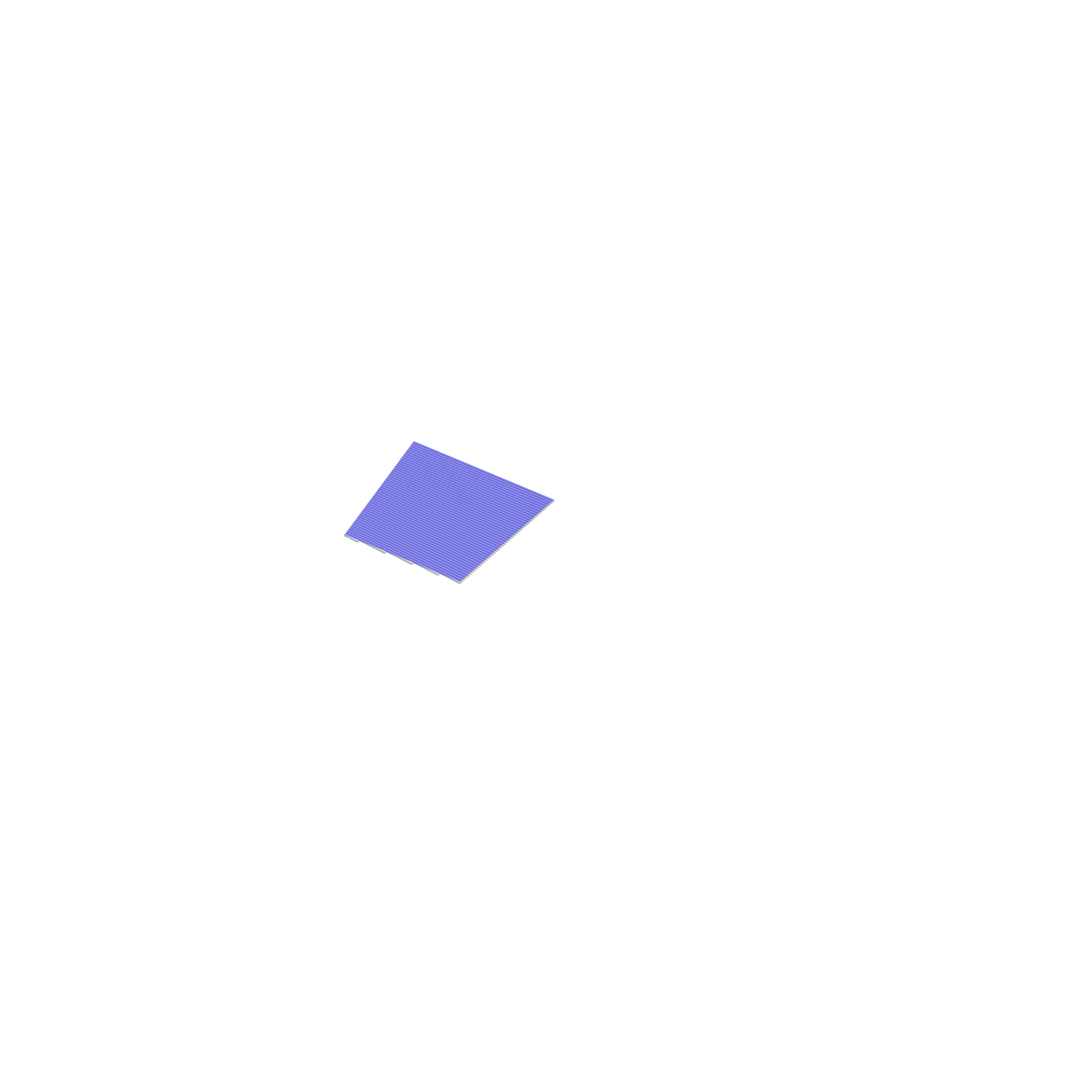

Each face, should be drawn to an empty canvas as black, and to another one with rendered cubes. The average rgb color stays in the area of face that painted as black on the canvas will be the rendered color.
from rotate import rotate_xyz

from PIL import Image, ImageDraw

def carboncopy(abcd, width, height, unit_scale, rotate_horizontal, rotate_vertical, rgba=(0, 0, 0, 255)):
  width *= unit_scale
  height *= unit_scale
  image = Image.new("RGBA", (width, height), (255, 255, 255, 0))
  draw = ImageDraw.Draw(image)
  points = []
  for xx, yy, zz in abcd:
    xn, yn, zn = rotate_xyz(xx * unit_scale, yy * unit_scale, zz * unit_scale, rotate_horizontal, rotate_vertical)
    x = width/2 + xn
    y = height/2 + (yn * -1)
    points.append((x, y))
  draw.polygon(points, rgba)
  return image

from create_cube import create_cube
from darken import darken
from carboncopy import carboncopy
from ball import create_ball
from bezier import bezier, lerp
from rotate import rotate_xyz
import math

from PIL import Image, ImageDraw

def centerz_sort(face):
  points, rgb = face
  sumz = 0
  for x, y, z in points:
    z += sumz
  return sumz / len(points)

def cube_sort(cube):
  x, y, z, r, g, b = cube
  return y, z, x

def render(name, cubes, width, height, unit_scale, rotate_horizontal, rotate_vertical):
  width *= unit_scale
  height *= unit_scale
  image = Image.new("RGBA", (width, height), (255, 255, 255, 0))
  draw = ImageDraw.Draw(image)
  faces = []
  cubes.sort(key=cube_sort)
  for x, y, z, r, g, b in cubes:
    cube = create_cube(x, y, z, rotate_horizontal, rotate_vertical)
    for darken_percent, *diamond in cube:
      points = []
      for xx, yy, zz in diamond:
        xn, yn, zn = rotate_xyz(
          xx * unit_scale,
          yy * unit_scale,
          zz * unit_scale,
          rotate_horizontal,
          rotate_vertical
        )
        points.append([xn, yn, zn])
      faces.append([points, darken(r, g, b, darken_percent)])
  # faces.sort(key=centerz_sort)
  for abcd, rgb in faces:
    points = []
    for xx, yy, zz in abcd:
      x = width/2 + xx
      y = height/2 + (yy * -1)
      points.append((x, y))
    draw.polygon(points, (*rgb, 255))
  return image

def distance(a, b):
  ax, ay, az = a
  bx, by, bz = b
  dx = max(ax, bx) - min(ax, bx)
  dy = max(ay, by) - min(ay, by)
  dz = max(az, bz) - min(az, bz)
  return max(dx, dy, dz)

WIDTH = 512
HEIGHT = 512
UNIT_SCALE = 4
ROTATE_H = 40
ROTATE_V = 20

surface = [
  [[-40,0,-40],[4,0,-40],[40,0,-4],[40,0,40]],
  [[-40,0,-16],[-6,0,-16],[16,0,6],[16,0,40]],
  [[-40,-16,0],[-16,-16,0],[0,-16,16],[0,-16,40]],
  [[-40,-40,0],[-16,-40,0],[0,-40,16],[0,-40,40]]
]

scale_surface = 4

for curve in surface:
  for p in curve:
    p[0] *= scale_surface
    p[1] *= scale_surface
    p[2] *= scale_surface

wide = 80
fall = 80
faces = []

for w in range(0, wide):
  wa = bezier(w/wide, surface[0][0], surface[0][1], surface[0][2], surface[0][3])
  wb = bezier(w/wide, surface[1][0], surface[1][1], surface[1][2], surface[1][3])
  wc = bezier(w/wide, surface[2][0], surface[2][1], surface[2][2], surface[2][3])
  wd = bezier(w/wide, surface[3][0], surface[3][1], surface[3][2], surface[3][3])
  wa_next = bezier((w+1)/wide, surface[0][0], surface[0][1], surface[0][2], surface[0][3])
  wb_next = bezier((w+1)/wide, surface[1][0], surface[1][1], surface[1][2], surface[1][3])
  wc_next = bezier((w+1)/wide, surface[2][0], surface[2][1], surface[2][2], surface[2][3])
  wd_next = bezier((w+1)/wide, surface[3][0], surface[3][1], surface[3][2], surface[3][3])
  for f in range(0, fall):
    a = bezier(f/fall, wa, wb, wc, wd)
    b = bezier(f/fall, wa_next, wb_next, wc_next, wd_next)
    c = bezier((f+1)/fall, wa_next, wb_next, wc_next, wd_next)
    d = bezier((f+1)/fall, wa, wb, wc, wd)
    faces.append([a, b, c, d, 255, 255, 255])

def zsort(cube):
  x, y, z, r, g, b = cube
  return (y, z, x)

def avg_rgb(carbon_copy, img):
  widthimg, heightimg = img.size
  pixels = img.load()
  shade_len = 0
  sum_r = 0
  sum_g = 0
  sum_b = 0
  for x in range(widthimg):
    for y in range(heightimg):
      rgb = pixels[x, y]
      ccrgb = carbon_copy.getpixel((x, y))
      if ccrgb[0] == 0 and ccrgb[1] == 0 and ccrgb[2] == 0:
        sum_r += rgb[0]
        sum_g += rgb[1]
        sum_b += rgb[2]
        shade_len += 1
  if shade_len == 0:
    return (255, 255, 255)
  avg_r = int(sum_r / shade_len)
  avg_g = int(sum_g / shade_len)
  avg_b = int(sum_b / shade_len)
  return (avg_r, avg_g, avg_b)

faces_rendered = []

face_index = 0
for a, b, c, d, *rgb in faces:
  cubes = []
  segments_wide = max(distance(a,b), distance(d, c))
  for i in range(0, math.ceil(segments_wide)):
    linea = lerp(i/segments_wide, a, b)
    lineb = lerp(i/segments_wide, d, c)
    segments_line = distance(linea, lineb)
    for j in range(0, math.ceil(segments_line)):
      px, py, pz = lerp(j/segments_line, linea, lineb)
      cubes.append([px, py, pz, *rgb])
  img = render(
    "face",
    cubes,
    WIDTH,
    HEIGHT,
    UNIT_SCALE,
    ROTATE_H,
    ROTATE_V
  )
  carbon_copy = carboncopy([a, b, c, d], WIDTH, HEIGHT, UNIT_SCALE, ROTATE_H, ROTATE_V)
  #carbon_copy_over = carboncopy([a, b, c, d], WIDTH, HEIGHT, UNIT_SCALE, ROTATE_H, ROTATE_V, (0, 0, 255, 100))
  #imgcarboncopyover = img.copy()
  #imgcarboncopyover.alpha_composite(carbon_copy_over)
  rr, gg, bb = avg_rgb(carbon_copy, img)
  faces_rendered.append([a, b, c, d, rr, gg, bb])
  # renderedface = carboncopy([a, b, c, d], WIDTH, HEIGHT, UNIT_SCALE, ROTATE_H, ROTATE_V, (rr, gg, bb, 255))
  # img.save(open("painting/cubes-{0}.png".format(face_index), "wb"), "PNG")
  # imgcarboncopyover.save(open("painting/carboncopy-over-{0}.png".format(face_index), "wb"), "PNG")
  # carbon_copy.save(open("painting/carboncopy-{0}.png".format(face_index), "wb"), "PNG")
  # renderedface.save(open("painting/rendered-{0}.png".format(face_index), "wb"), "PNG")
  face_index += 1

def draw_rendered_faces(name, faces_rendered, rh, rv):
  width = WIDTH * UNIT_SCALE
  height = HEIGHT * UNIT_SCALE
  image = Image.new("RGB", (width, height), (255, 255, 255))
  draw = ImageDraw.Draw(image)
  faces_on_canvas = []

  for a, b, c, d, *rgb in faces_rendered:
    points = []
    for x, y, z in [a, b, c, d]:
      # it is possible to see the render in different angles than painting
      xn, yn, zn = rotate_xyz(x * UNIT_SCALE, y * UNIT_SCALE, z * UNIT_SCALE, rh, rv)
      points.append((xn, yn, zn))
    faces_on_canvas.append([points, rgb])

  faces_on_canvas.sort(key=centerz_sort)

  for face in faces_on_canvas:
    points, rgb = face
    points_wo_z = []
    for x, y, z in points:
      points_wo_z.append(( width/2 + x, height/2 + y*-1))
    draw.polygon(points_wo_z, tuple(rgb))

  image.save(open("{}.png".format(name), "wb"), "PNG")

# draw_rendered_faces("render-6", faces_rendered, ROTATE_H, ROTATE_V)
# draw_rendered_faces("render-6-1", faces_rendered, ROTATE_H, ROTATE_V)
draw_rendered_faces("render-6-2", faces_rendered, ROTATE_H, ROTATE_V)
draw_rendered_faces("render-6-3", faces_rendered, ROTATE_H + 20, ROTATE_V)
It is possible to see in different angle without a need to re-render them.

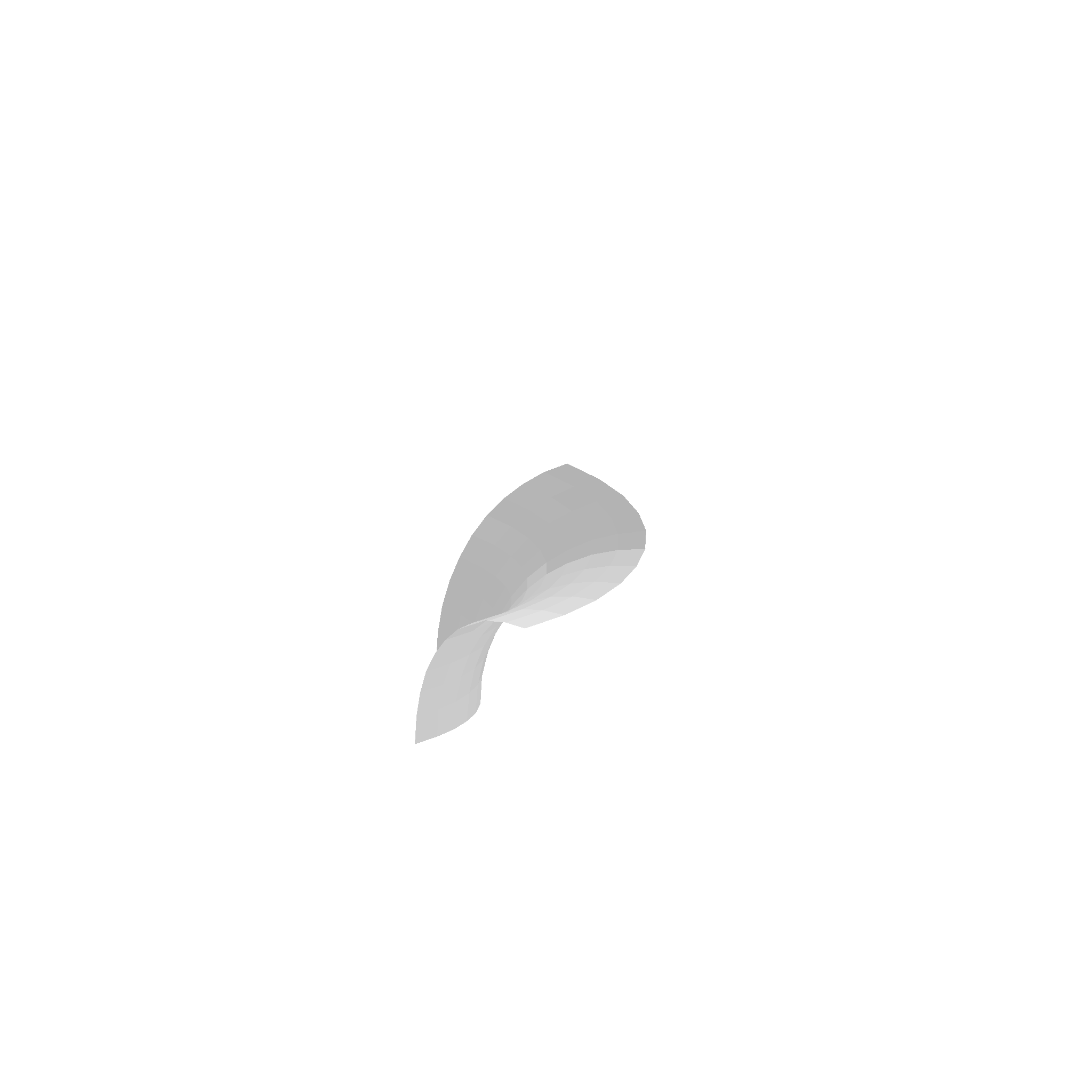
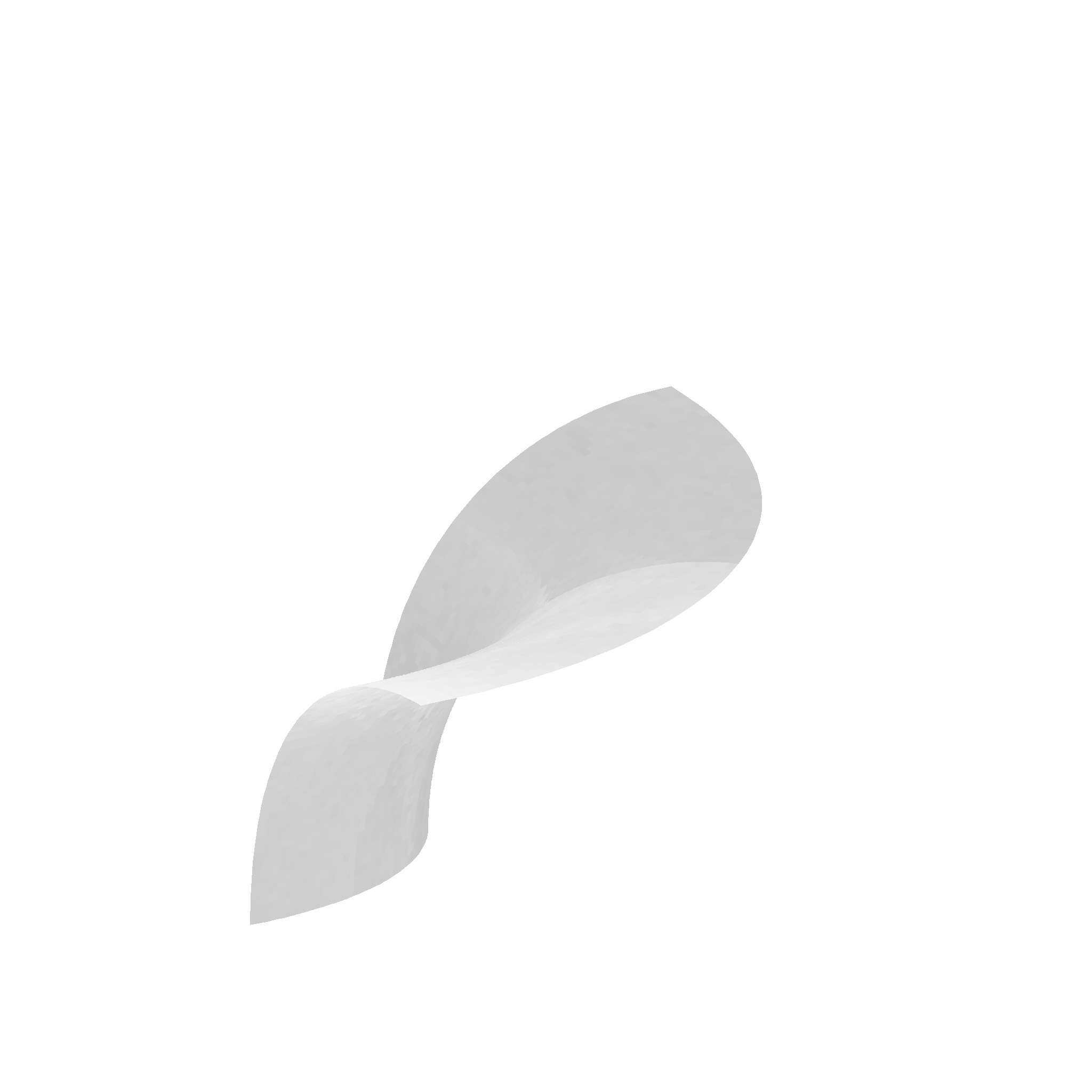


The render part is written in Python language. I edit the surfaces by an application that runs on a browser written with javascript when I am creating something. Here are some examples that I rendered in this way.
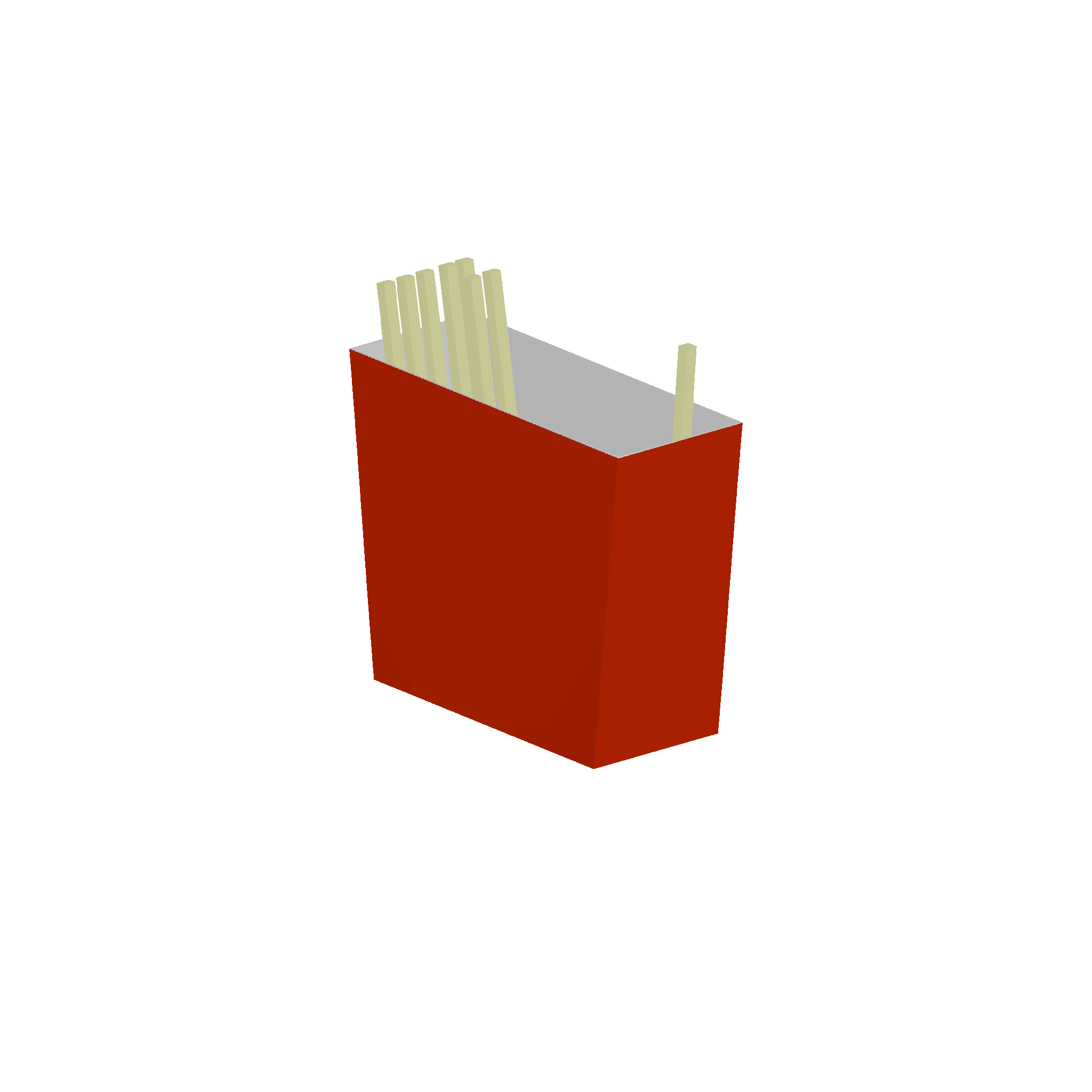

Good luck playing with that.